Reviewing a Corporate Card Application or Change Request
Reviewing a Corporate Card Application or Change Request
Once a Requester submits a corporate card application or change request, the assigned Supervisor and Department Administrator will receive an email notification to review the pending request. To review the request, select the embedded link in the email notification.
The Corporate Card Change Request form should only be submitted for requesting permanent changes to an active card. All temporary changes can be emailed directly to the Corporate Card Office corporate-card@northwestern.edu after supervisor approval.
Steps in Reviewing an Application
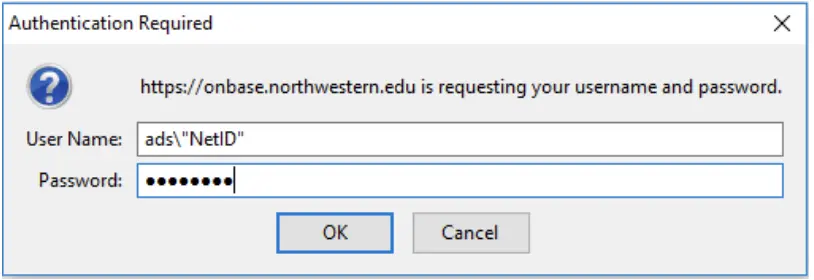
- To review the application, sign in with your NetID and password as shown in the example below:
- Once logged in, you will review and verify that the information is correct on the pending request. If modifications need to be made, proceed to make the edits and select the Save/Submit button located at the bottom of the form before approving the application. If no changes are made to the request, you only need to select "Approve."

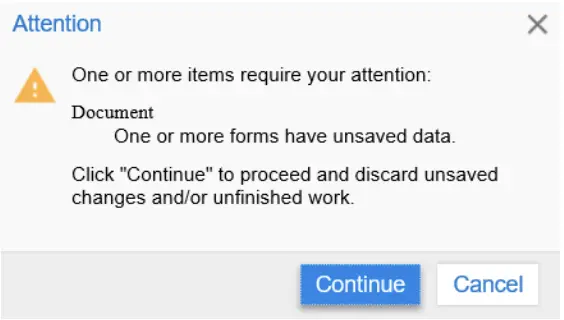
- If you receive the following Attention prompt after selecting approve, select "Continue" to proceed.
- When denying a request, the following steps are required before selecting "Deny Request":
Select the "Deny Request" field.
Enter a reason why the application is being denied: Select the Save/Submit button.
Deny Request:
- After approving or denying the request, OnBase can be closed.